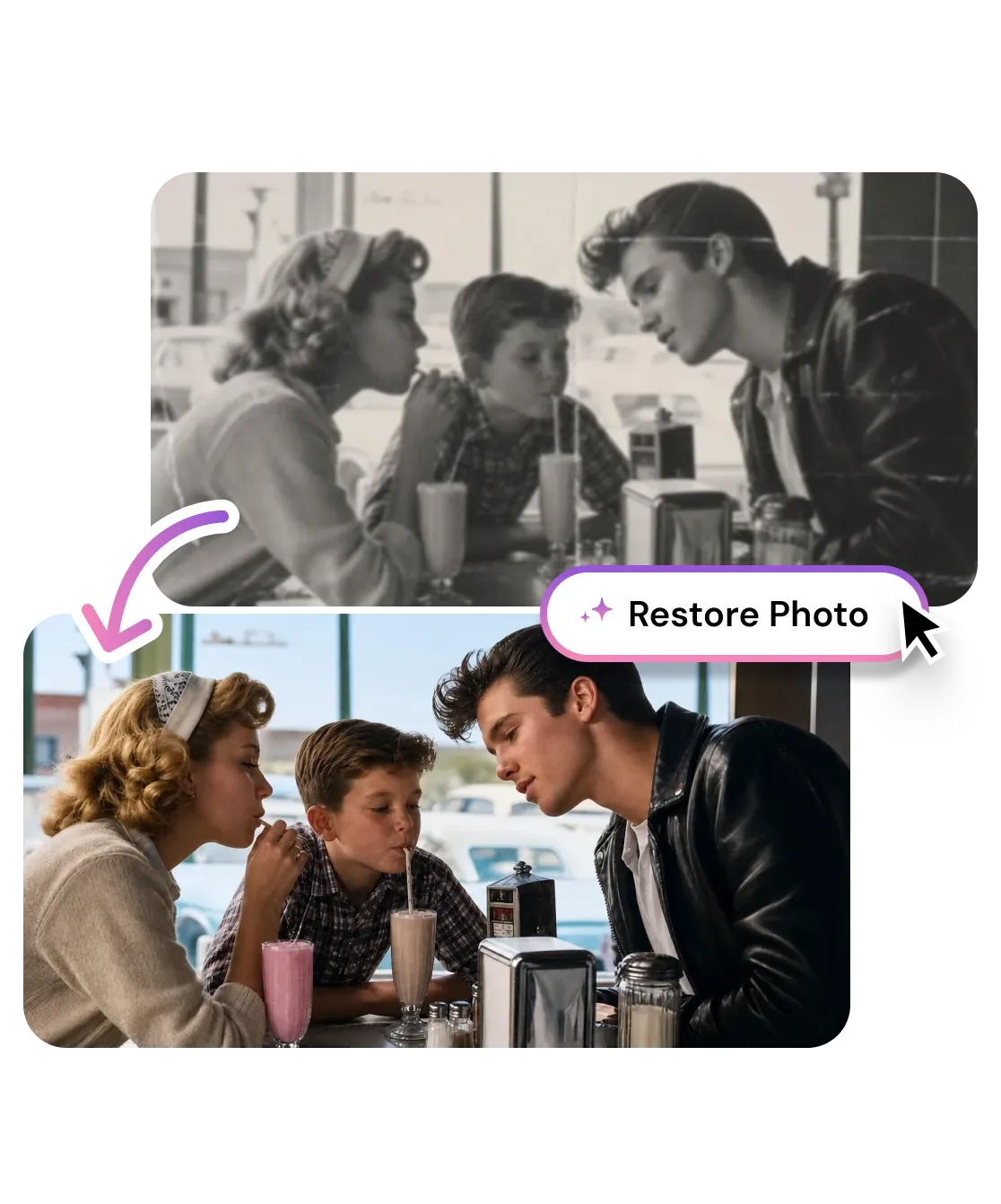
Restore Old Photos
Browse or Drag & Drop Image or Ctrl+V / Cmd+V to paste
or try examples:

Restore Old Photos with AI

Repair faded colors, scratches, and age damage on vintage family photos in seconds. Free AI photo restoration works in your browser, no signup required.

Restore Old Photos
Browse or Drag & Drop Image or Ctrl+V / Cmd+V to paste
or try examples:

How to Restore Old Photos with AI

Three steps, entirely in your browser. No app to install, no account required.

Upload

1

Drop your old photo - JPG, PNG, HEIC, or WEBP up to 15MB. Scans, camera shots of prints, and digital archives all work.

Upload

Restore

2

Click Restore. AI scans for fading, color loss, scratches, and damage, then rebuilds each area in a single automated pass.

Restore

Download

3

Save your restored photo or continue editing it with other tools.

Download

What AI Can Fix in Old Photos

From faded color and physical scratches to torn corners and washed out black and white prints, one tool handles the full range of vintage photo damage.

Revive faded color in old family photos

Decades of storage drain warmth from color prints - skin tones turn gray, skies fade to white, and foliage loses all green. The AI analyzes the original color distribution across every channel and rebuilds the palette that time eroded, without oversaturating or introducing colors that were never there.

Revive faded color in old family photos

Repair scratches, tears, and physical damage

Scratches, fold lines, water stains, missing corners, and dust spots are inpainted by a model trained on thousands of damaged vintage prints. The repair follows the surrounding texture and tone, so the result looks like the original was preserved, not digitally patched.

Repair scratches, tears, and physical damage

Recover detail in black and white photos

Old black and white and sepia prints lose contrast and fine detail as the silver compounds in the paper degrade. AI restoration rebuilds tonal range, recovers facial features and hair detail, and sharpens edges that were sharp in the original but have softened over time.

Recover detail in black and white photos

Multi-defect repair

Fixes fading, scratches, color loss, and tears in one pass. No stacking of separate tools.

Face restoration

Detects faces in old portraits and recovers skin tone and expression without blurring features.

Revives faded color

Recovers warm tones, skin tones, and foliage drained by decades of storage or improper scanning.

Works on print damage

Handles scratches, fold lines, water damage, and torn corners. Looks preserved, not patched.

Privacy first

Privacy first

Uploads deleted within 1 hour. Never used for training. Never sold.

Free to use

Free to use

Free to try with credits. More credits and powerful models on PRO.

My grandmother's wedding photo from 1952 was almost completely faded. Uploaded it, clicked Restore, and the color came back like it was taken yesterday. My family cried.

Elena V.
Warsaw, Poland

Found a box of my dad's old prints - scratched, torn, some with water stains. Ran them all through and gave him a restored album for his birthday. He had no idea AI could do this.

James K.
Melbourne, Australia

I digitize old photos for a living and this tool cut my retouching time by 80%. The scratch removal alone used to take me 20 minutes per photo. Now it's 20 seconds.

Diana R.
Photo Restoration Studio

Frequently Asked Questions

01
How does AI photo restoration work?
02
Is the restore old photos tool free?
03
What image formats are supported?
04
How long does it take to restore a photo?
05
Can I restore old photos on my phone?
06
How is Restore Old Photos different from Unblur?
07
Can I use the restored images commercially?
08
Why does a restored photo sometimes look unnatural near damage areas?