AI SVG Generator
0/2000
or try SVG demos:

AI SVG Generator

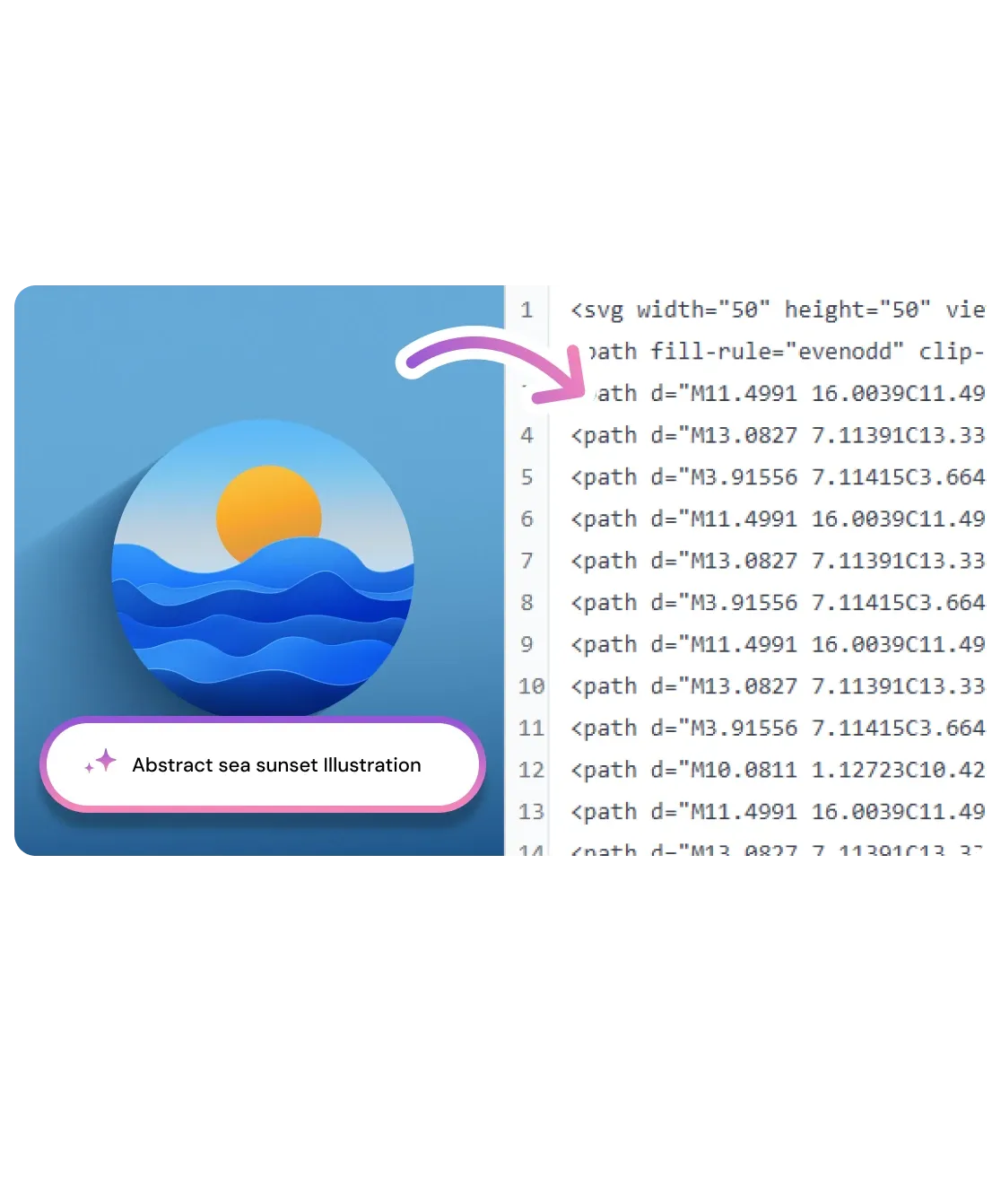
Describe what you want and get a clean, editable SVG vector in seconds. Tweak colors, merge paths, and download - all in your browser. No source image needed.

AI SVG Generator

How to Generate SVG Vectors with AI

Three steps, entirely in your browser. Describe your vector, generate the SVG, and download a file ready for Figma, Illustrator, or direct web use.

Describe your vector

1

Type a description of the SVG you need - an icon, logo shape, illustration, or pattern. Be as specific or as open-ended as you like.

Describe your vector

Generate the SVG

2

Click Generate. The AI creates a clean SVG with properly structured paths. Preview and adjust in the browser-based vector editor.

Generate the SVG

Download

3

Download the .svg file ready for Figma, Illustrator, or direct use in any web project. Scalable and editable, forever.

Download

What You Can Create with AI SVG Generator

From single color icons to multi-layer illustrations, generate scalable vector art for any project using plain language descriptions.

Generate Icons and UI Elements from Text

Describe a custom icon or UI element and get clean SVG paths ready for web and app design. Skip the drawing tablet and get a production ready vector on the first try. Works for line icons, filled shapes, badges, and symbols.

Generate Icons and UI Elements from Text

Create Vector Illustrations for Any Project

From simple spot illustrations to detailed scene graphics, describe your concept and the AI drafts it as infinitely scalable SVG output. Perfect for landing pages, pitch decks, and print collateral where pixel quality is not an option.

Create Vector Illustrations for Any Project

Edit SVG Before You Download

Every generated SVG opens in a built-in vector editor. Swap colors, merge colors and export only when the result is exactly right. No round-trip to Illustrator required for simple tweaks.

Edit SVG Before You Download
No source image needed

No source image needed

Describe any icon or illustration in words. The AI generates clean SVG paths with no raster file to upload first.

Paths, not pixels

Paths, not pixels

Every output is pure scalable SVG - resize to 16px favicon or 10-meter billboard without blur or jagged edges.

Edit before you export

Edit before you export

Browser-based vector editor lets you tweak your SVG before downloading.

Figma ready export

Figma ready export

Download a clean .svg that imports directly into Figma, Illustrator, or any web project without cleanup.

Privacy first

Privacy first

Results deleted within 1 hour. Never used for training. Never sold.

Infinite style range

Infinite style range

Icons, logos, patterns, illustrations, badges - any vector concept you can describe, the AI can draft it.

Spent hours in Illustrator trying to sketch a simple app icon. Described it in one sentence here and had a clean SVG in 30 seconds. Genuinely floored.

Alex M.
Web Developer, Berlin

I use this to prototype icon sets for UI clients. The SVG paths come out clean enough to ship directly without touching them in Figma.

Sarah L.
UI Designer

Finally an AI tool that outputs actual vector files, not just PNGs. Huge for print and branding work where resolution matters.

Marcus T.
Freelance Brand Designer

Frequently Asked Questions

01
How does AI SVG Generator work?
02
Is AI SVG Generator free?
03
What file formats does AI SVG Generator output?
04
How long does it take to generate an SVG?
05
Can I use AI SVG Generator on my phone?
06
Can I use the generated SVGs commercially?
07
Is my data safe?
08
What kinds of vectors can AI SVG Generator create?