Image to SVG
Browse or Drag & Drop Image or Ctrl+V / Cmd+V to paste
or try examples:
or try SVG demos:

Convert PNG to SVG

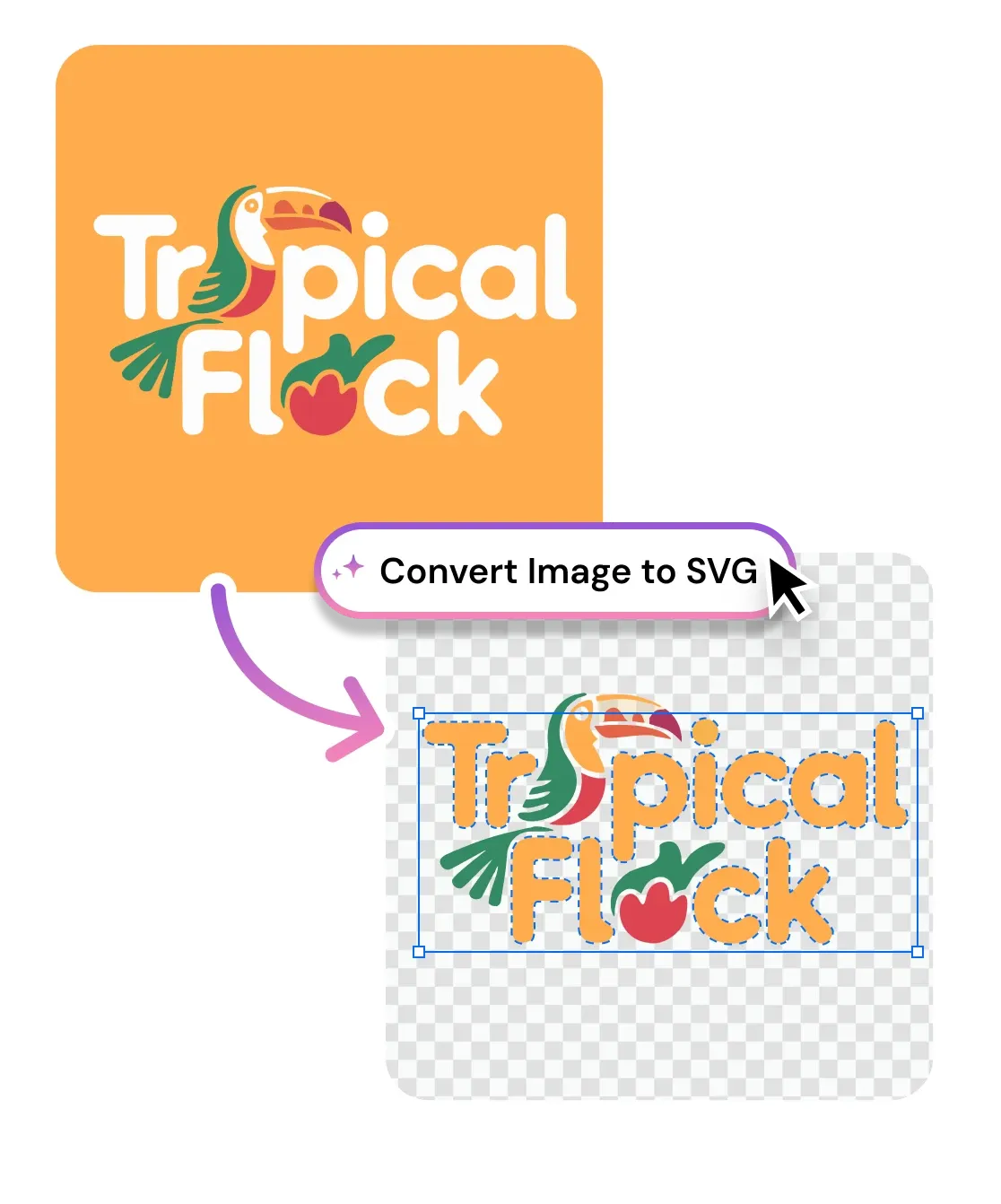
Turn any PNG, JPG, or JPEG into a clean, scalable SVG vector in seconds. The image vectorizer traces logos, icons, and illustrations into editable paths you can resize forever. Free, no signup, runs in your browser.

Image to SVG
Browse or Drag & Drop Image or Ctrl+V / Cmd+V to paste
or try examples:
or try SVG demos:

How to Convert PNG to SVG

Three steps, entirely in your browser. Upload a raster image, convert it to a clean SVG vector, and download a file ready for design, print, or cutting machines.

Upload

1

Drop in a PNG, JPG, or JPEG, straight from your device or clipboard. High-resolution logos, icons, and scans all work.

Upload

Convert to SVG

2

Click Convert. The vectorizer traces your image into clean vector paths and shapes, then previews the SVG result in the browser.

Convert to SVG

Download

3

Tweak colors or paths if you like, then download a clean, scalable .svg ready for the web, print, Figma, or Cricut.

Download

More Than a PNG to SVG Converter

Vectorize logos, icons, sketches, and AI art from PNG, JPG, or JPEG into clean, editable vector files. One upload turns flat pixels into scalable paths ready for web, print, and cutting machines.

Convert PNG to SVG with transparent edges

Drop in a PNG logo or icon and get crisp vector paths that keep transparency intact. The converter traces anti-aliased edges into clean shapes, so your mark stays sharp on any background, at any size, with no white box behind it.

Convert PNG to SVG with transparent edges

Vectorize JPG and JPEG photos and sketches

Turn a JPG scan, a hand-drawn sketch, or an AI-generated image into editable vector art. An adjustable color palette controls how many colors the trace keeps, so detailed illustrations and simple line drawings both come out clean.

Vectorize JPG and JPEG photos and sketches

Edit your SVG before you download

Every conversion opens in a built-in vector editor. Recolor shapes, merge paths, and clean up nodes in the browser, then export a production-ready .svg. No round trip to Illustrator for a small fix.

Edit your SVG before you download

Tracing, not embedding

We redraw your image as real vector paths, not pixels hidden inside a fake SVG wrapper.

Clean, editable paths

Smart node placement gives Bezier paths you can edit in Figma, Illustrator, or Inkscape without cleanup.

Scales to any size

Resize from a 16px favicon to a billboard. SVG vectors never blur or pixelate.

Ready for Cricut

Export clean SVG cut paths for Cricut, Silhouette, vinyl, and laser engraving.

Free to use

Free to use

Convert PNG and JPG to SVG free in your browser. No signup, no watermark.

Privacy first

Privacy first

Uploads deleted within 1 hour. Never used for training. Never sold.

I had a client logo stuck in a low-res PNG. Converted it to SVG here in about ten seconds and it dropped straight into our brand kit clean.

Marcus T.
Brand Designer

Best free PNG to SVG converter I have found. The paths come out tidy enough to use for Cricut cuts without redrawing anything.

Hannah P.
Maker, Etsy Seller

I vectorize AI-generated icons for our app constantly. This traces them properly instead of just wrapping the pixels in an SVG.

Alex M.
Web Developer, Berlin

Frequently Asked Questions

01
How does the PNG to SVG converter work?
02
Is the PNG to SVG converter free?
03
What image formats can I convert to SVG?
04
How long does it take to convert an image to SVG?
05
Can I convert images to SVG on my phone?
06
How is this different from the AI SVG Generator?
07
Can I use the converted SVG files commercially?
08
Is my data safe?
09
How do I convert a JPG or JPEG to SVG?