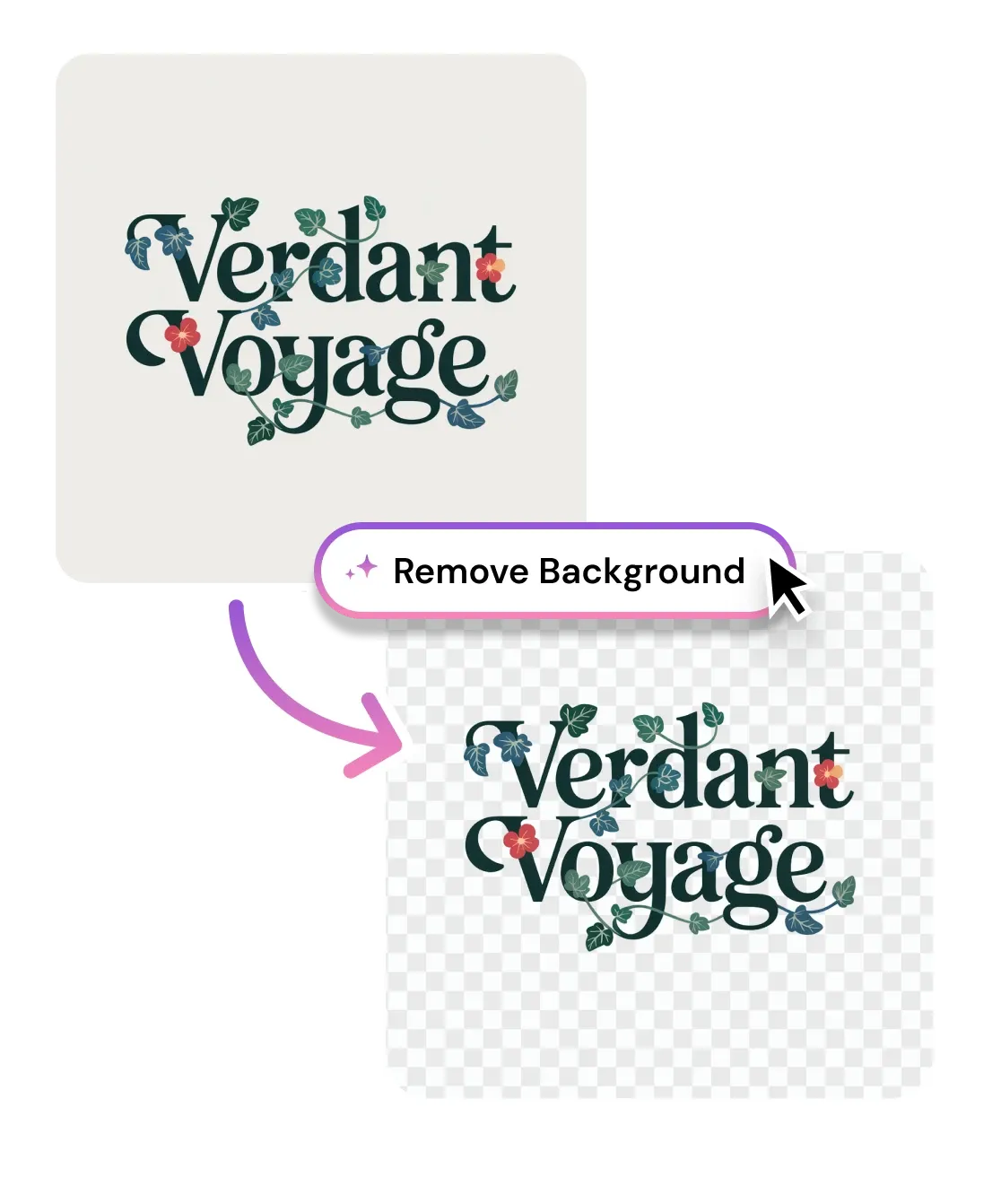
Remove BG from Logo
Browse or Drag & Drop Image or Ctrl+V / Cmd+V to paste
or try examples:
Instantly removes backgrounds from logos, icons, and brand assets to deliver a clean transparent PNG.

Remove Logo Backgrounds Instantly

Turn any logo - even a white background JPG or a screenshot into a clean transparent PNG in seconds. Crisp edges for websites, merch, favicons, and print. Free, works in your browser, no signup.

Remove BG from Logo
Browse or Drag & Drop Image or Ctrl+V / Cmd+V to paste
or try examples:

How to Remove a Logo Background

Three steps, entirely in your browser. No app to install and no account required.

Upload

1

Drop your logo - PNG, JPG, WEBP, or a screenshot up to 15MB. White, colored, gradient, and busy backgrounds all work.

Upload

Remove background

2

Click Remove Background. AI separates the logo from its backdrop and knocks it out to clean transparency in a single pass.

Remove background

Download

3

Save your transparent PNG, drop in a solid fill color instead, or keep editing with other tools.

Download

What the Logo Background Remover Does

Built for flat brand graphics, not just photos. It knocks out solid and busy backgrounds while keeping the text, thin lines, and sharp corners that make a logo look professional.

Turn a white background JPG logo into a transparent PNG

The most common logo you get handed is a JPG on a white or off-white background, often with faint gray fringe and JPEG compression artifacts baked around the edges. The AI removes that background and the artifacts with it, so you get a clean transparent PNG.

Turn a white background JPG logo into a transparent PNG

One transparent logo for every background

A transparent PNG is the universal source - drop it on a dark site, brand color hero, slide deck, email signature, sticker, or a tee for print and it just works. Need it to scale infinitely instead, convert the cutout to a vector with logo to SVG.

One transparent logo for every background

Keep text, thin lines, and sharp corners crisp

Photo-tuned background removers soften edges to flatter hair and fur, which does not work for logos. This tool is tuned for flat graphics: it preserves letterforms, thin strokes, and hard corners, and anti-aliases the cutout so there is no jagged staircase or colored halo around the mark.

Keep text, thin lines, and sharp corners crisp

Clean background removal

Removes white, off-white, and light-grey logo backgrounds with no leftover edge halo or gray fringe.

Crisp text & thin lines

Preserves letterforms, thin strokes, and anti-aliased edges. No jagged cutout, no colored fringe.

Keeps negative space

Detects counter forms inside letters and shapes, so holes in the logo stay transparent, not filled.

Print & favicon ready

Outputs a transparent PNG at source resolution for favicons, app icons, merch, and print files.

Privacy first

Privacy first

Uploads deleted within 1 hour. Never used for training. Never sold.

Free to use

Free to use

Free to try with credits. More credits and powerful models on PRO.

A client sent their logo as a JPG on a white square. I removed the background here, got a transparent PNG, and dropped it straight onto their dark-mode site. No fringe, no white box. Took ten seconds instead of fifteen minutes in Photoshop.

Priya N.
Freelance web designer

We print our logo on tees and tote bags. The transparent PNG sat perfectly on every garment color and the print shop accepted it without a single edge cleanup. The thin lines in our wordmark stayed razor sharp.

Dane K.
Merch store owner

I needed a favicon and an email-signature version of our logo from one scuffed screenshot. Removed the background, exported transparent, and both placements finally looked clean. Counter-forms in the letters stayed open too.

Marisol T.
Marketing lead

Frequently Asked Questions

01
How does the logo background remover work?
02
Is the logo background remover free?
03
What image formats does it support?
04
How long does it take to remove a logo background?
05
Can I remove a logo background on my phone?
06
Is my data safe?
07
Does it keep transparent areas inside the logo, like the holes in letters?
08
Should I use a transparent PNG or convert my logo to SVG?