One place for every photo job - cleanup, restore, upscale, remove, generate. Each one runs the best state of the art AI models for the task. Free to start, no signup.
Browse or Drag & Drop Images or Ctrl+V / Cmd+V to paste
The best AI models, benchmarked per task
Every tool runs the best model for its specific job and you can switch models anytime. New models ship constantly.
Edit any photo with AI - automatic, by prompt or by brush
Type what you want changed and watch it happen, brush over an area to control where, or drop a reference image and let the AI follow it. Generative fill, ai-image-combiner, full-shot transforms - all in one editor.
Rescue the shots you thought were ruined
Blurry phone shot, low-light grain, faded scan, JPEG damage - drop it in and the right AI fixer sharpens, denoises, or restores it in seconds. Works on faces, family photos, and prints you thought were lost.
More resolution, more canvas, more detail
Print-ready 4K and 8K upscales without the smear. Expand the frame past the original edges with generative outpaint. Add natural texture and grain back to photos JPEG flattened.
Remove anything you don't want in seconds
Strangers in the background, photobombers, signage, captions, watermarks - brush over what you don't want and watch it disappear. AI rebuilds whatever was behind it so the result looks like it was never there.
Your subject. Whatever background you want behind it.
One-click background removal with pixel-perfect edges on hair, fur, and glass. Export a transparent PNG, drop in a new background, or just blur it. Studio-grade results without studio lighting.
Generate new images from a prompt or reference
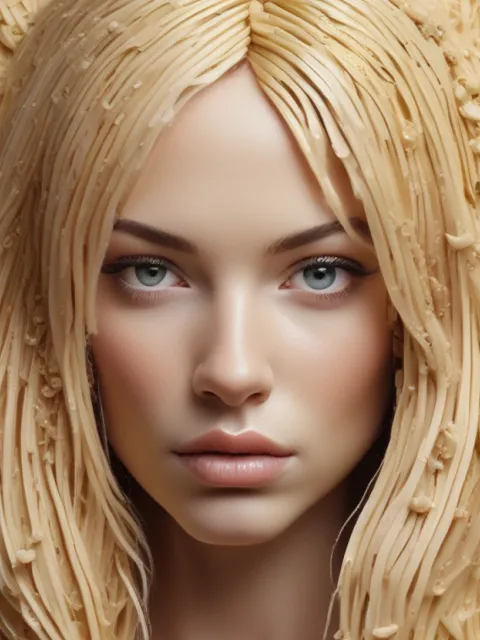
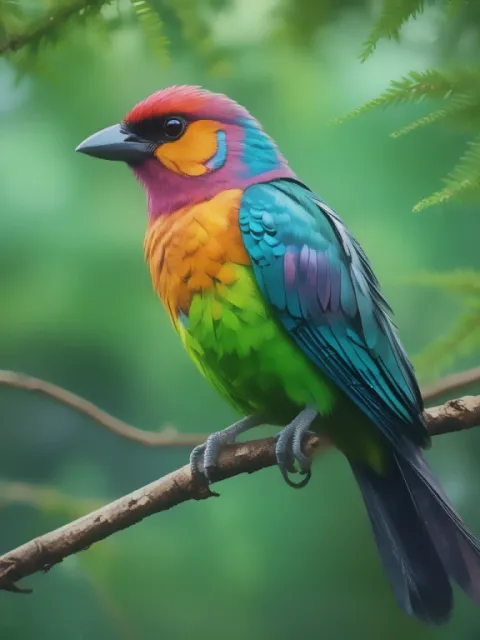
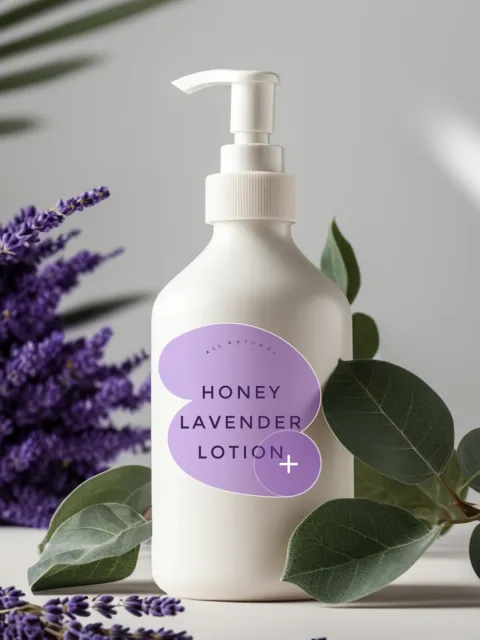
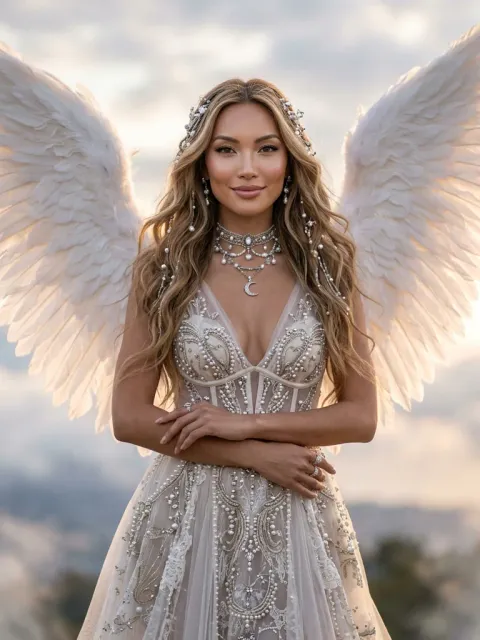
Type a prompt or upload a reference and pick the look - portraits, logos, product shots, vectors, illustrations. Every generator is its own dedicated tool, not a checkbox inside a chatbox.
One subscription replaces your whole AI photo stack
A background remover here, an upscaler there, an object eraser in a third app, an image generator in a fourth - separate logins, separate bills, separate learning curves. photoeditor.ai is all of it in one place.
30+ AI tools, each purpose-built for one specific job
Cleanup, Remove BG, Enhance, Upscale, AI Generators, and more - every tool tuned for one task instead of buried in a kitchen-sink editor. Better than generalist tools, faster than learning Photoshop.
Best AI model picked per task
We benchmarked Nano Banana, GPT Image, Gemini, SeeDream, Qwen, and our in-house fine-tunes against every job in the suite. The default model for each tool is the one that won - and you can override it from the settings rail anytime.
Results in seconds
Most edits - cleanup, background removal, enhance - finish in under 10 seconds. Generation and 4K upscale take up to a minute on premium models. No batching, no queues, no waiting in line.
Works on iPhone, Android, and any browser
Browser-based across all devices - no App Store, no Play Store, no permissions to accept. The same toolset on your desk, your phone, your tablet.
Privacy first
All uploads encrypted in transit, processed in isolated workers, and deleted within 1 hour. Never used for AI model training. Never sold or shared with third parties.
Commercial use allowed - for client work, products, prints, and ads
Use AI edits and generations for product listings, client deliverables, social ads, brand assets, and prints. You're responsible for source-image rights, but the AI outputs themselves are yours to use commercially.
How To Edit Photos with AI
Three steps. Works in your browser on desktop and phone. No app to install.
1. Upload
Upload your photo or image - JPG, PNG, HEIC, AVIF or WEBP up to 15MB.
2. Pick the right AI tool
Choose from 30+ purpose-built tools across 6 categories. Each tool runs the best model for its specific job, so you just pick the task.
3. Download
Download the result instantly. Standard quality is free; HD on PRO.
Use Cases
From personal projects to e-Commerce, marketing, photography, and design - photoeditor.ai has the right tool for the job. Each card links to the most relevant tools for that workflow.
This tool is an absolute game-changer and has truly transformed the way I work with photos. I can't recommend it enough!
Tanya M.
@lazymau
Been using Photoshop for 12 years and I'm not gonna lie, the AI Editor here does in 30 seconds what takes me 20 minutes with clone stamp and healing brush. My workflow is completely different now.
Marcus R.
Freelance Photographer
I used the Cleanup tool to remove my ex from a group photo and honestly it looks like he was never there. My friends couldn't even tell. This is witchcraft.
Jess K.
JessKDesigns
I had this old blurry photo of my grandma - only one I have of her. Ran it through Enhance and Upscale and I literally cried. It looks like it was taken yesterday. Thank you for this.
David O.
Toronto, Canada
The Logo Maker is unreal. I had to brand a new SaaS in one day and got a clean SVG logo in 10 minutes. My designer friend asked which agency I used.
Priya S.
SaaS Founder
Frequently Asked Questions
01
What is photoeditor.ai?
photoeditor.ai is a free, browser-based platform of 30+ purpose-built AI image tools across 7 categories - AI Edit, AI Generators, AI Enhance, AI Remover, AI Background, AI Watermark Removers, and SVG Converter. Each tool is tuned for one specific job, and our ML engineers hand-picked the best AI model for that task - Nano Banana, GPT Image, Gemini, SeeDream, and more.
02
What can I do with photoeditor.ai?
You can edit images with AI (inpaint, expand, ai-image-combiner), generate from text prompts (logos, portraits, vectors), enhance quality (unblur, sharpen, upscale, restore), remove unwanted content (objects, people, text, watermarks), swap or remove backgrounds, and convert raster images to SVG. Each is a dedicated tool, not a checkbox inside one big editor.
03
Which AI tool should I use for my photo problem?
Pick by symptom - Blurry photo → Unblur. Want bigger or higher resolution → Upscale. Unwanted object in the shot → Cleanup. Need a transparent PNG → Remove BG. Old or damaged photo → Restore Old Photos. Want a brand logo → AI Logo Maker. Want a new image from a text prompt → AI Image Generator. Each tool has its own dedicated page with examples, adjustable settings, and a model chooser in the settings rail.
04
Is photoeditor.ai free?
Yes. Free tools include Cleanup, Remove Background, and Enhance with no signup required. Free downloads up to 720px. HD and 4K exports, plus access to the full 30+ tool suite, are unlocked on a PRO subscription.
05
What AI models does photoeditor.ai use, and how do you pick the best one for each task?
Our ML engineers benchmark every leading AI image model - Nano Banana, GPT Image 2, Gemini, SeeDream, Qwen, plus our in-house fine-tunes - against every job in the suite (character consistency, prompt adherence, photo-edge fidelity, latency, cost), and the default model per tool is the winner of that benchmark. Nano Banana wins for character consistency, GPT Image 2 for following complex instructions, Gemini for natural-language edits, SeeDream for photorealistic 4K detail, Qwen for LoRA-style customization, and our in-house fine-tunes for focused tasks like cleanup and upscale. Power users can switch the model from the settings rail to compare results on the same image. Benchmarks update as new models ship, so defaults shift when something better arrives.
06
How is photoeditor.ai different from Photoshop?
Photoshop is the desktop industry standard for layered manual editing with pixel-level control. photoeditor.ai is browser-based AI - one tool per job, click and done. Use Photoshop when you need manual control on complex composites; use photoeditor.ai when you want AI to handle a specific task in seconds.
07
How is photoeditor.ai different from Canva or Picsart?
Canva is a design platform centered on templates and layouts - AI is a side feature. Picsart bundles 25+ AI features inside a single generalist editor interface. photoeditor.ai treats each job as its own purpose-built tool with its own workspace and settings - so Cleanup isn't a checkbox inside a big editor, it's a dedicated page tuned for that one job.
08
How is this different from using Gemini or ChatGPT directly?
Gemini and ChatGPT can edit images as a side capability inside a conversation. photoeditor.ai is a dedicated image platform - 30+ specialized tools, each with its own UI, settings, and adjustable parameters. We expose the same underlying models (Nano Banana, GPT Image, Gemini) through a clean per-task UI instead of a chat box. Conversation works for one-off edits; specialized tools work when you do this every week.