Remove people from group shots
Painted over a stranger in a group shot or someone in the background? Paint the area with the brush and the AI removes them cleanly, rebuilding the scene behind them to match the surrounding background.
Brush over any object, person, or distraction and AI erases it instantly, filling the gap to match your background. Free, works in browser, no signup required.

Drop your photo - JPG, PNG, HEIC, or WEBP up to 15MB. Any photo type works.

Paint over the person, object, or element you want removed. Adjust brush size for precision.

Save the cleaned image. Add more brush strokes on the same photo as needed.

Paint over people, objects, blemishes, or any background clutter and AI fills the gap with a natural-looking result that matches the surrounding scene.
Painted over a stranger in a group shot or someone in the background? Paint the area with the brush and the AI removes them cleanly, rebuilding the scene behind them to match the surrounding background.

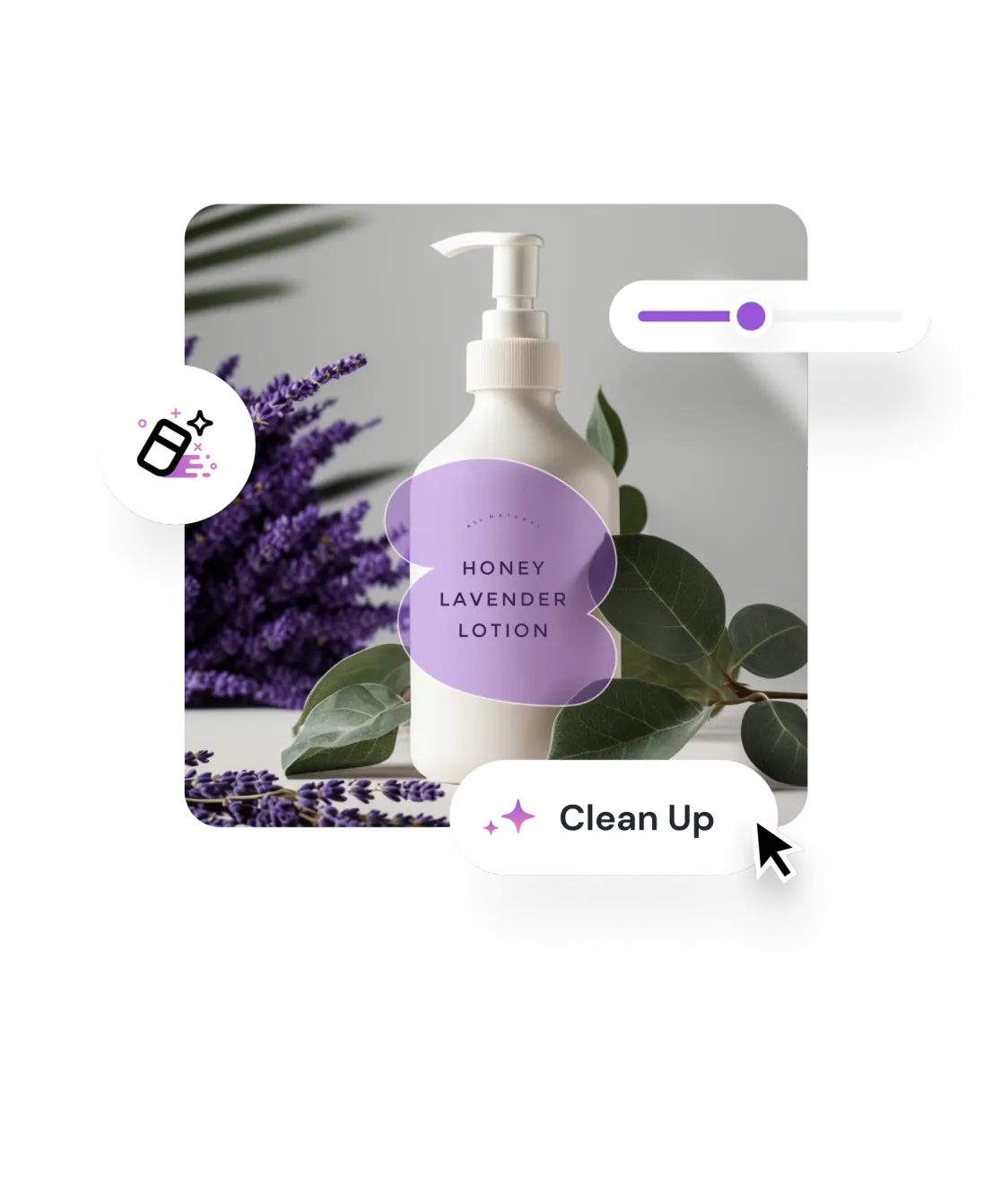
Remove distracting elements to create a clean and focused look for your product images. Speed up product photo editing for your online store or social media. Create stunning visuals that attract attention and drive sales.

Brush over a pimple, scar, stray hair, or skin imperfection and AI removes just that mark while preserving the surrounding texture. Targets exactly what you painted and nothing more.

No selection tools, no masks, no layers. Brush the area you want gone and AI handles the rest.
Scale the brush to cover a tiny blemish or sweep an entire background area with the same accuracy.
AI reads pixels around your stroke and rebuilds the background to match surrounding lighting, texture, and color.
Apply as many strokes as needed. Each one is processed independently so you can remove elements layer by layer.

Uploads deleted within 1 hour. Never used for training. Never sold.

Free to try with credits. More credits and powerful models on PRO.
 PhotoEditor.ai