AI Chat Image Generator
Generate stunning images through natural conversation. Describe what you want, upload references, and watch AI bring your vision to life instantly.
Generate stunning images through natural conversation. Describe what you want, upload references, and watch AI bring your vision to life instantly.
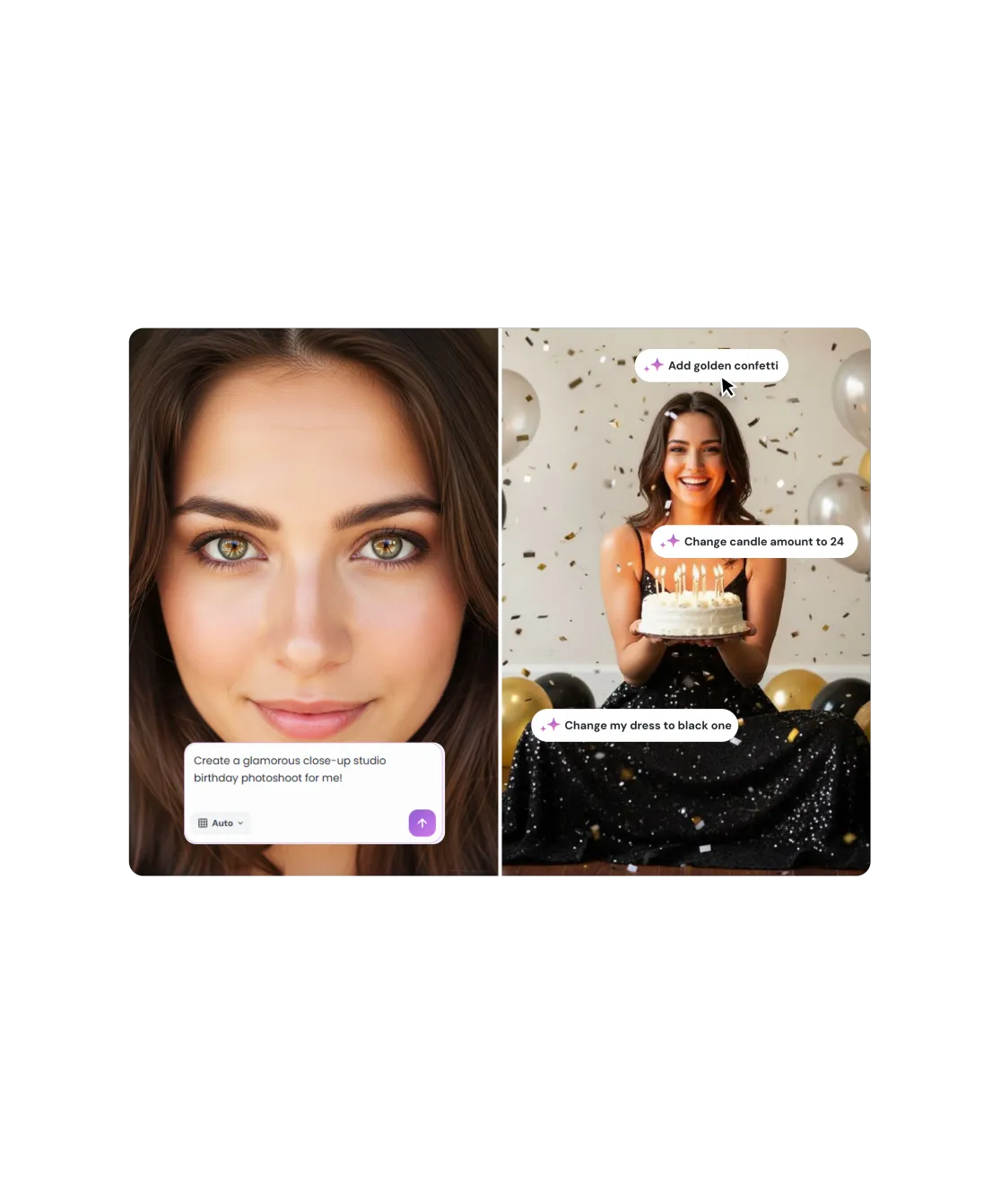
No masking, no layers, no sliders. Type what you want changed - "remove the person in the background", "make the sky more dramatic", "fix the lighting on my face" - and AI applies it with professional precision.
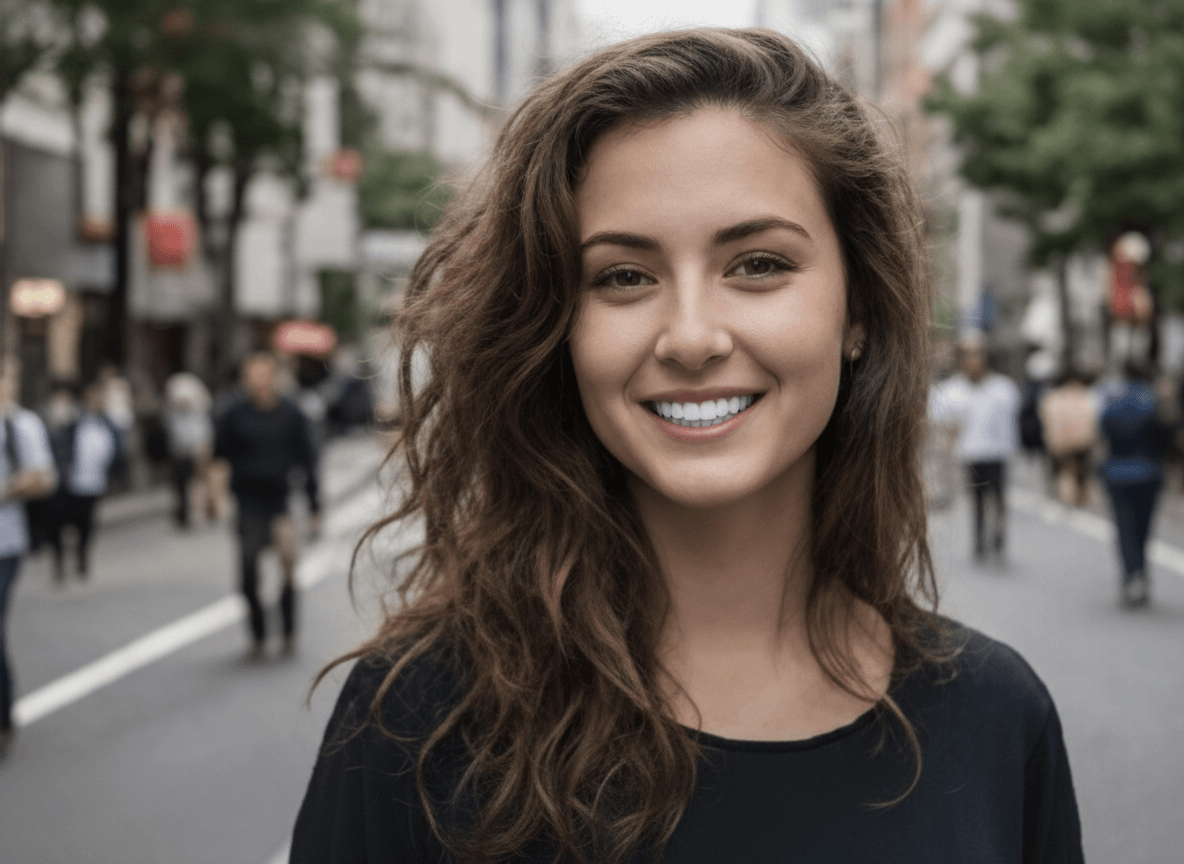
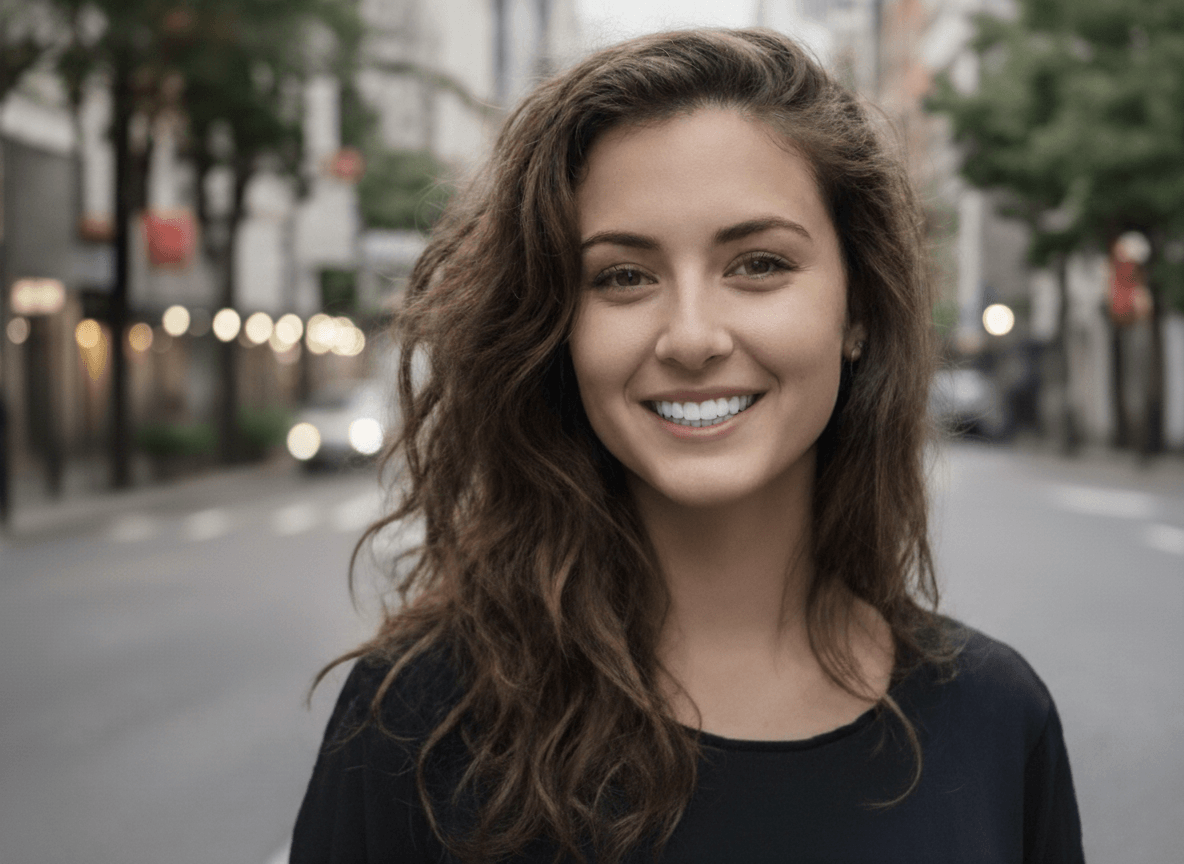
Overexposed? Too dark? Wrong white balance? Simply describe the problem and AI corrects it. No histogram knowledge required - conversational editing understands intent, not just technical instructions.
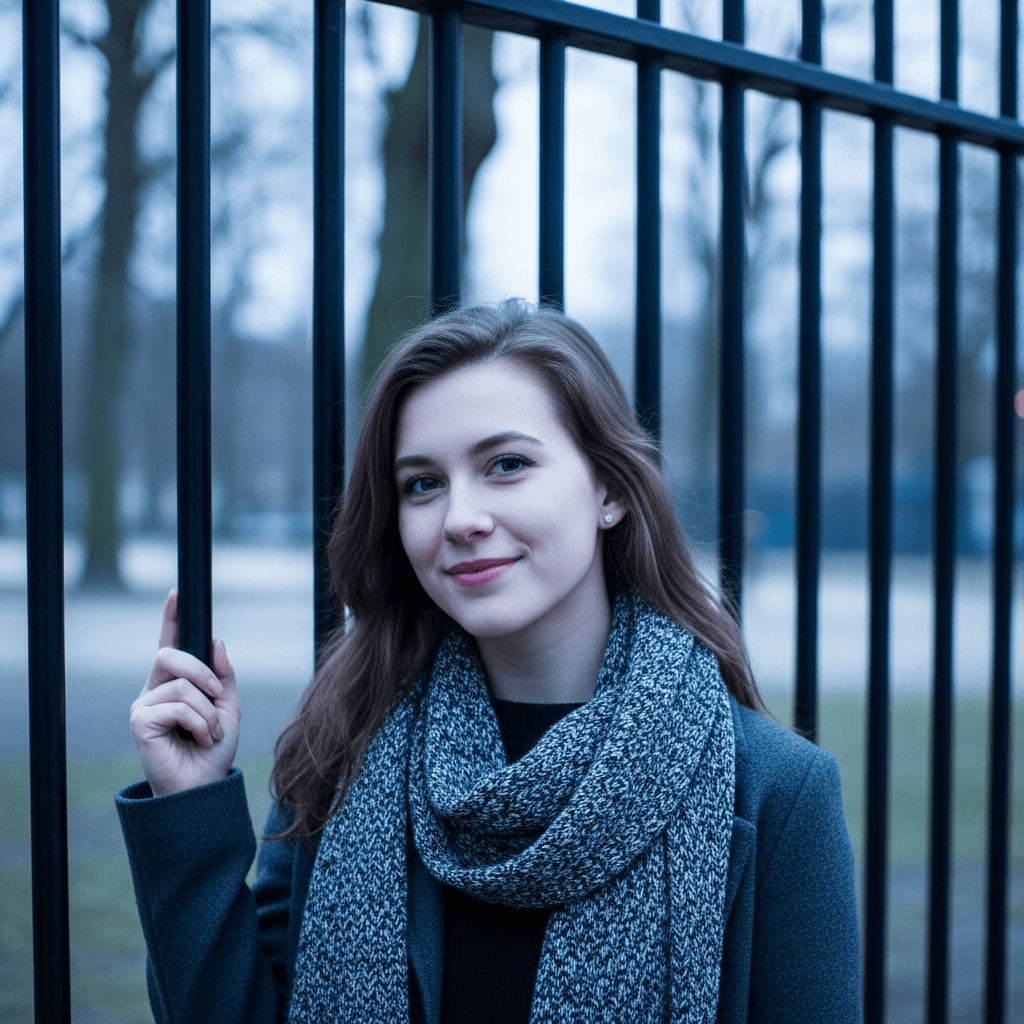
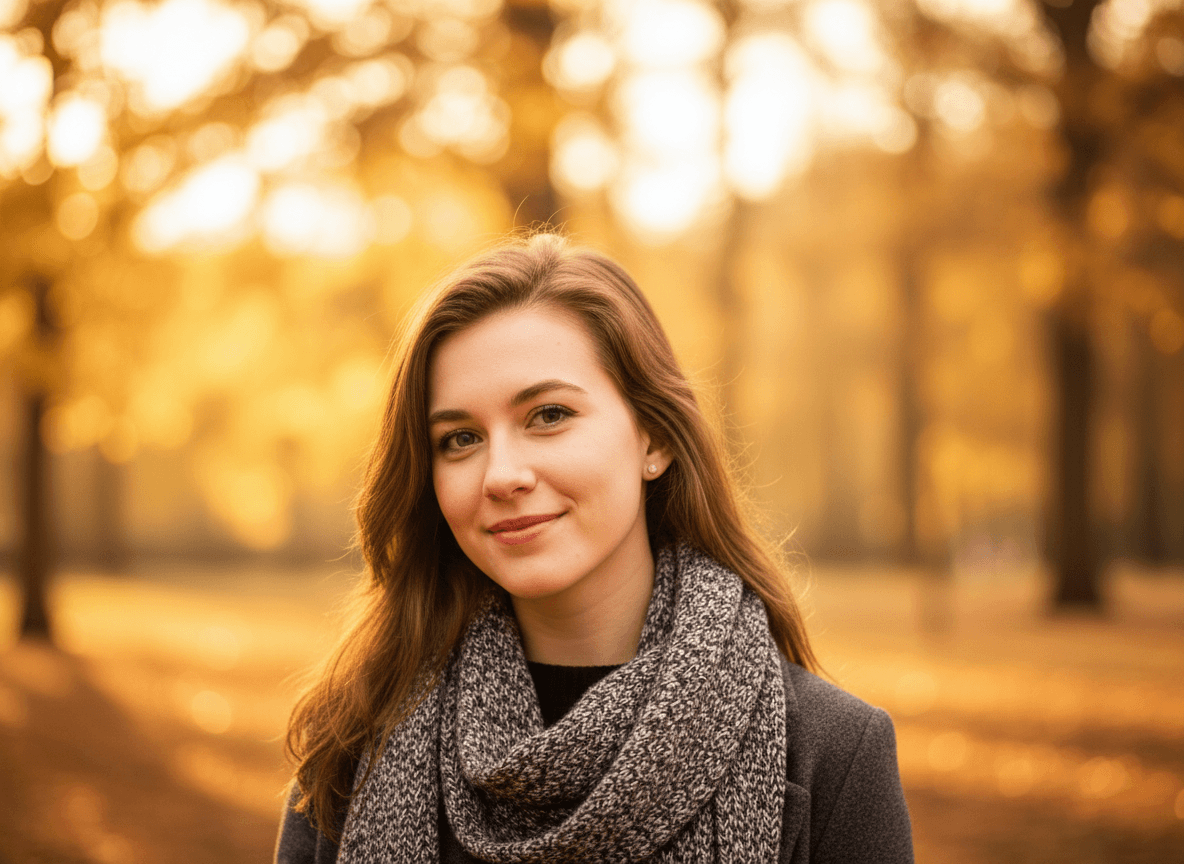
Not happy with the first result? Just reply. Say "make the shadow softer", "zoom out a bit", or "try a warmer tone" and AI adjusts iteratively. Your full edit history stays in the thread so you never lose progress.
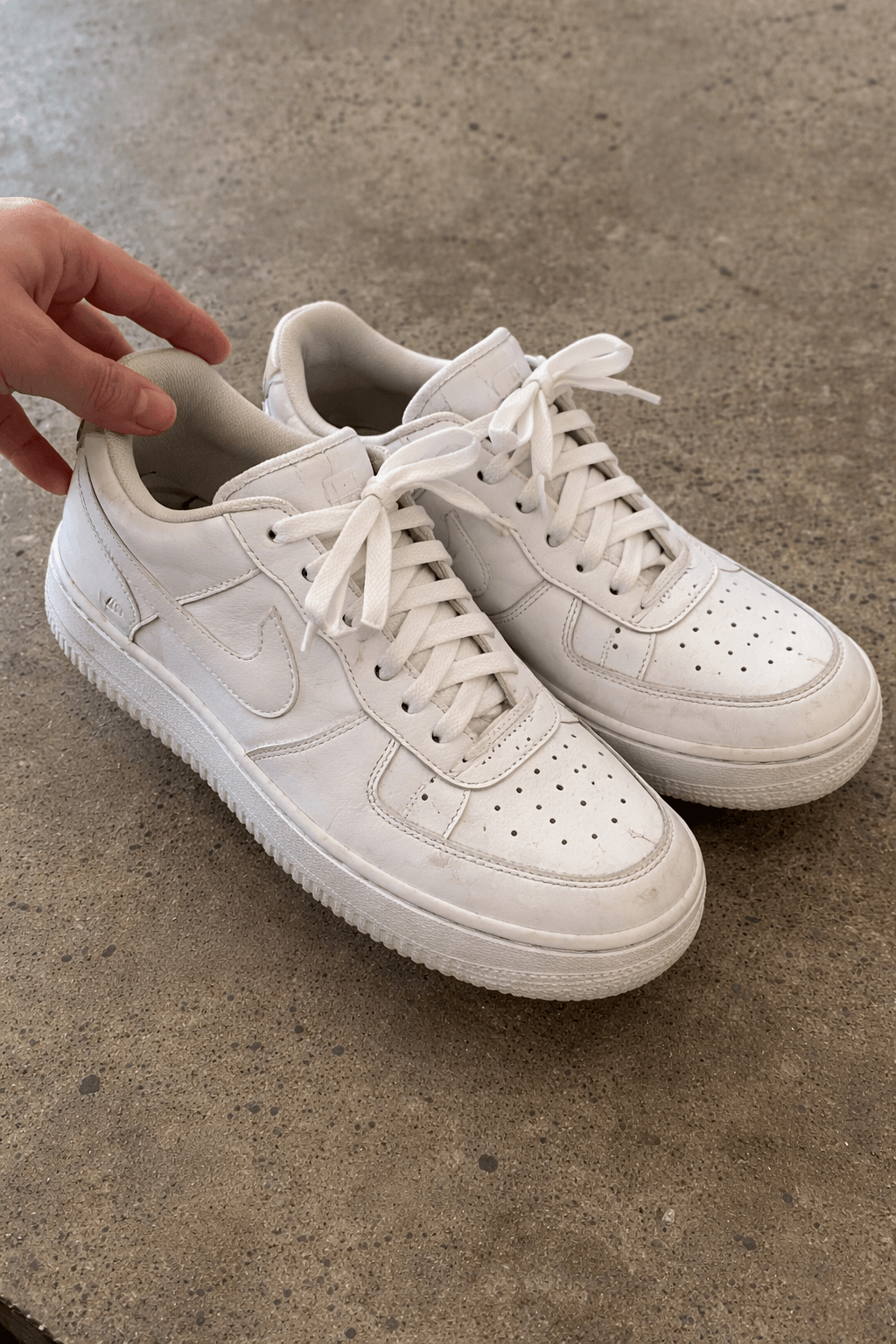
edit this product photo
put it on a clean white background
add a subtle shadow underneath, make the image pop
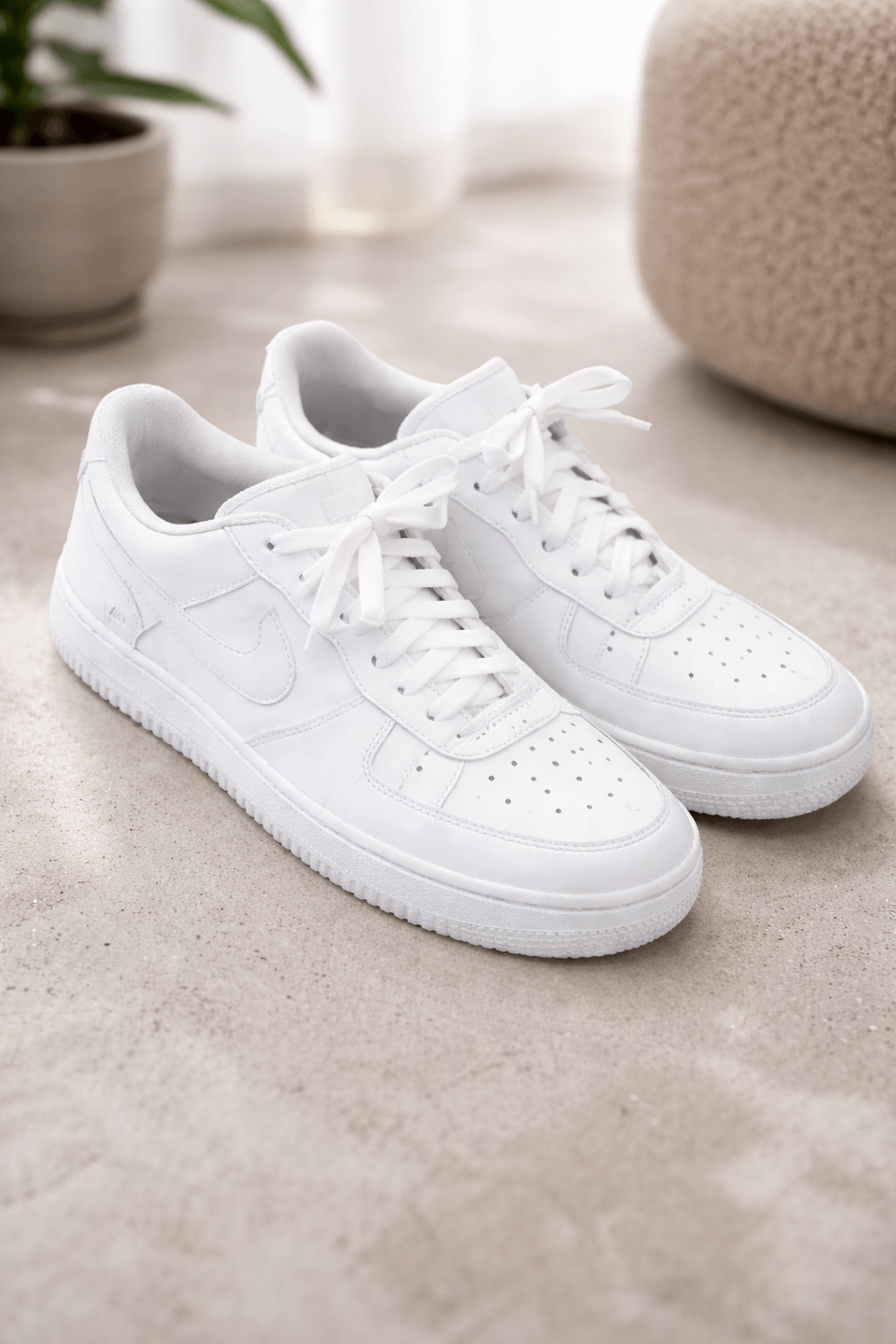
✓ Done! Here's your edited photo

Drop your image into the chat - from your device, clipboard, or URL. Any format works: JPG, PNG, WebP.

Type what you want changed in plain language. 'Remove the background', 'fix the exposure', 'make it black and white' - AI understands natural instructions.

Review the result and keep chatting to fine-tune. Download the final image in full resolution when it's exactly right.


No tools to learn - describe the edit in plain English and AI applies it with professional precision

Upload a reference photo to show the style, lighting, or look you want to match

Keep chatting to fine-tune results - each reply adjusts the edit without starting from scratch

Edit photos through conversation on desktop, tablet, or mobile - the full experience everywhere

Download edited images up to 2048px in full quality, ready for print, web, or social media

All uploaded photos and chat sessions are deleted within 1 hour and never shared with third parties
 PhotoEditor.ai