AI Background Changer
Browse or Drag & Drop Image or Ctrl+V / Cmd+V to paste
or try examples:
0/500

Change Photo Backgrounds with AI

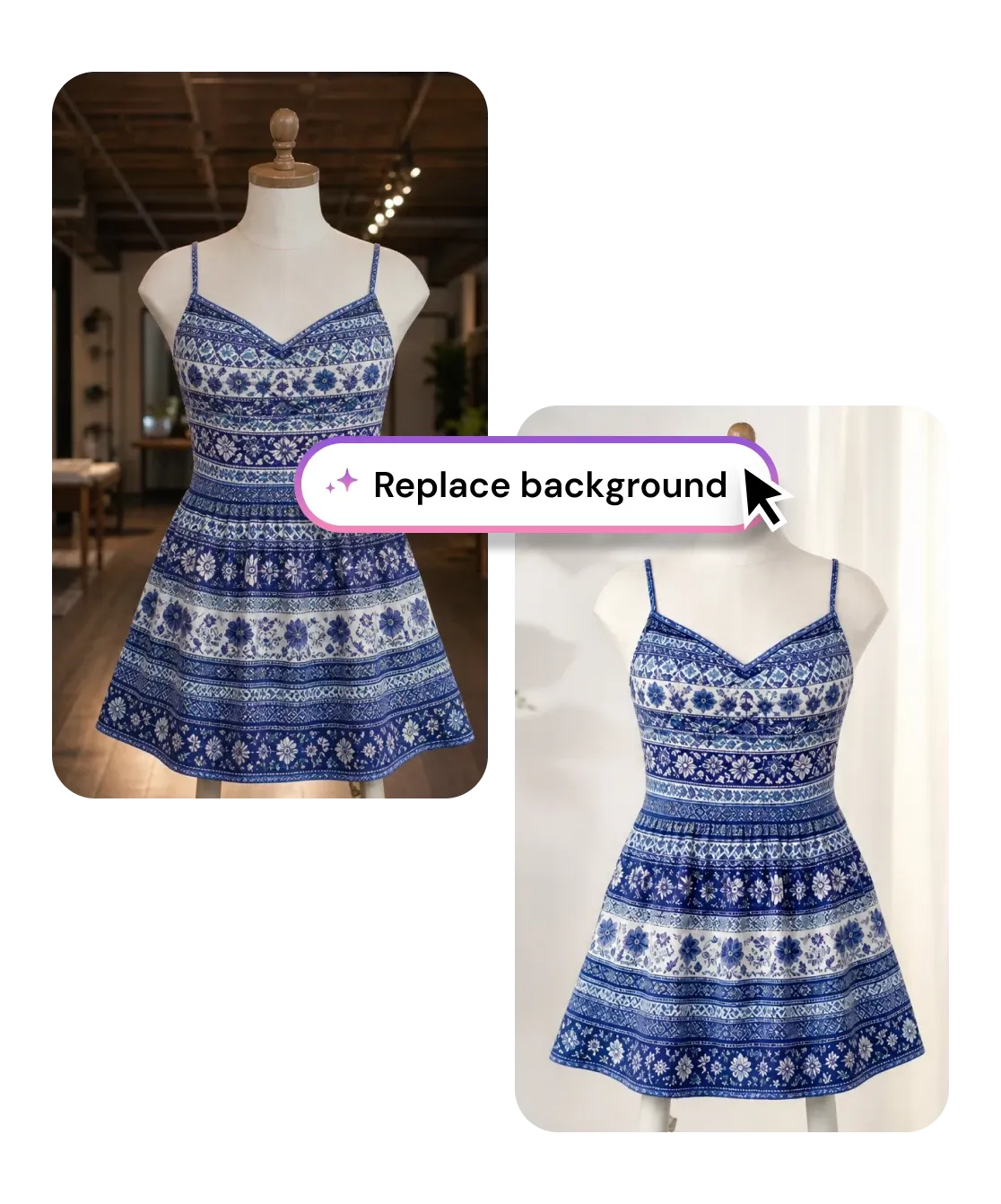
Describe any background in plain words and AI regenerates the whole scene behind your subject - matching the light, shadows, and perspective so it looks truly shot there. No masking, no stock library, no signup.

AI Background Changer
Browse or Drag & Drop Image or Ctrl+V / Cmd+V to paste
or try examples:

How to Change a Photo Background with AI

Three steps, entirely in your browser. No app to install and no account required.

Upload

1

Drop your photo - JPG, PNG, HEIC, or WEBP up to 15MB. Portraits, product shots, and pet photos all work.

Upload

Change background

2

Type the background you want - anything from a clean white studio to a rain-soaked city street. AI separates your subject and regenerates the scene behind it.

Change background

Download

3

Save the finished image or keep editing it with other tools.

Download

Why the Background Changer Looks Real

This is not a cut-and-paste over a stock image. A generative model reads your photo and your prompt together, then rebuilds the background, the lighting, and the shadows so the result holds up at full resolution.

Type the background, get the whole scene built for you

Write a sentence - "golden-hour rooftop, soft rim light" or "matte concrete studio wall" - and the model generates that environment from scratch behind your subject. There is no fixed list of backdrops to scroll through and no green screen needed.

Type the background, get the whole scene built for you

Lighting and shadows that match, so it never looks pasted

The giveaway of a fake background swap is a subject lit from the wrong direction floating on an unrelated scene. This model relights your subject to the new environment, recolors spill light, and grounds it with believable contact shadows and perspective.

Lighting and shadows that match, so it never looks pasted

Put any car in a showroom, not a messy driveway

A vehicle shot in a cluttered parking lot or a gravel driveway kills a listing. Type "clean showroom floor" and the model drops the car onto a dealer-grade background, keeping reflections on the paint, chrome trim, and glass intact while regrounding the tires with a believable shadow.

Put any car in a showroom, not a messy driveway

Type any background

Describe the scene in plain words and the model builds it. No fixed library to scroll through.

Generative, not pasted

Regenerates the scene and relights your subject so the result reads as a real photo, not a cutout.

Automatic edge handling

Separates hair, glass, and fur from the background with no manual masking or green screen.

Subject stays intact

Faces, products, logos, and text keep their detail while only the background is regenerated.

Privacy first

Privacy first

Uploads deleted within 1 hour. Never used for training. Never sold.

Free to use

Free to use

Free to try with credits. More credits and powerful models on PRO.

I shoot handmade jewelry on my kitchen table. I just type "clean white studio background" and it regenerates the shot like a real product photo - shadows and all. My whole Etsy shop finally looks consistent.

Hannah L.
Etsy seller

Only had a selfie against my apartment wall, so I described an office background and it placed me in it with lighting that actually matched my face. Nobody can tell it was not a real headshot. Used it on LinkedIn the same day.

Marcus D.
Account manager

Our product photos came from five suppliers with five different backgrounds. I typed one scene and regenerated every shot to match. What used to be a day of masking in Photoshop took me ten minutes.

Sofia R.
E-commerce coordinator

Frequently Asked Questions

01
How does the AI background changer work?
02
Is the background changer free?
03
What image formats are supported?
04
How long does it take to change a background?
05
Can I change a photo background on my phone?
06
Can I get a plain white background for product photos?
07
Can I use the results commercially?