AI Image Combiner
Browse or Drag & Drop Images or Ctrl+V / Cmd+V to paste
Quick Select:
121/1000

AI Image Combiner - Merge Photos

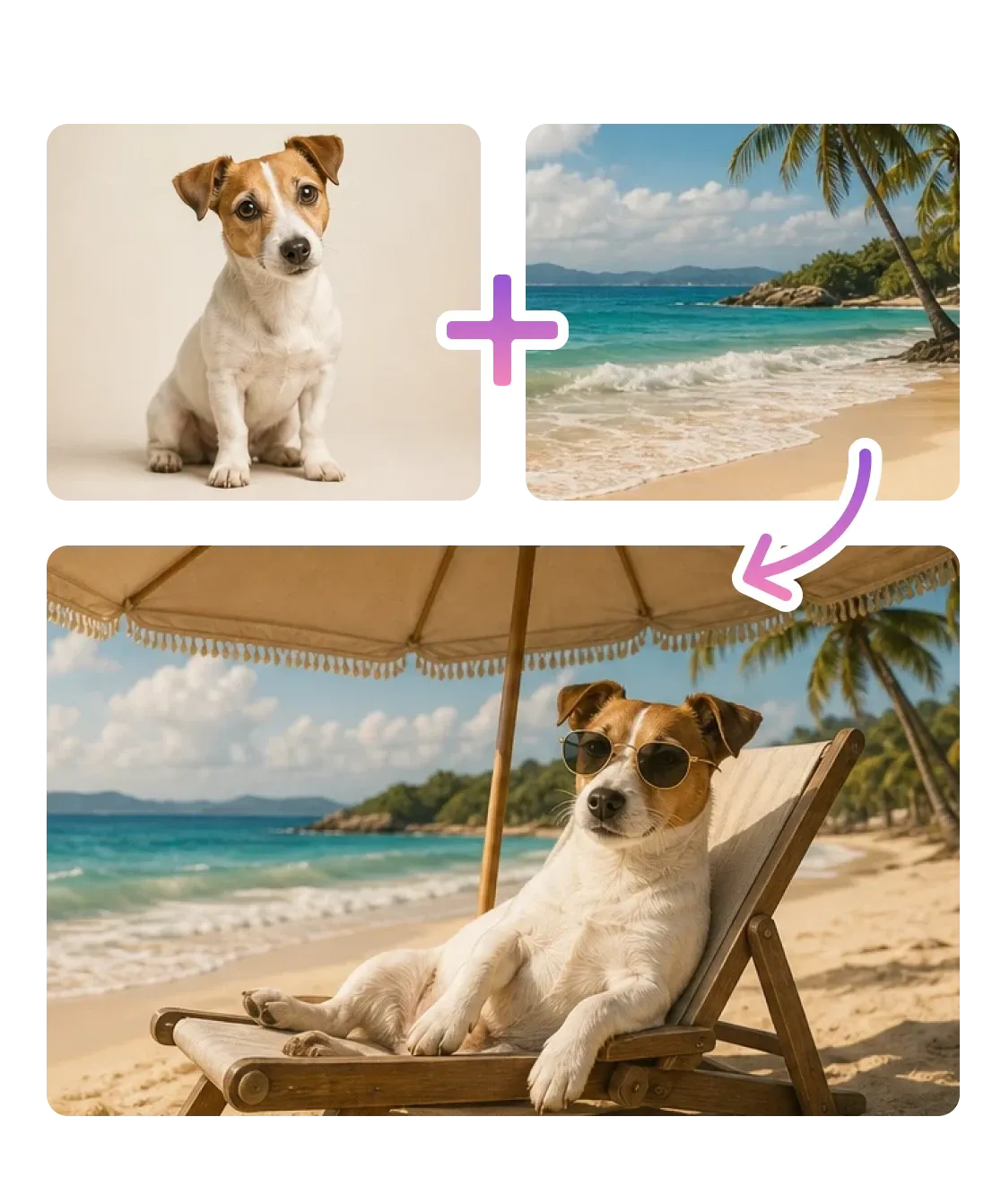
Upload multiple images to combine in a cohesive, natural-looking result. Experience seamless AI image fusion with this advanced AI photo merger

AI Image Combiner
Browse or Drag & Drop Images or Ctrl+V / Cmd+V to paste

How to Combine Images with AI

Three steps, entirely in your browser. Upload your references, describe the blend, download the result. No Photoshop, no masking, no layers.

Upload your photos

1

Drop your reference images JPG, PNG, or WEBP - directly into the editor. Upload a base photo plus any style, face, or scene references you want to draw from.

Upload your photos

Describe the blend

2

Tell the AI how to combine the images: transfer a style, place a person into a new scene, swap a background, or merge compositions.

Describe the blend

Download your result

3

Preview the combined image and download at full resolution. Refine with another tool on the platform if needed.

Download your result

What You Can Do with AI Image Combiner

From placing people in new scenes to transferring artistic styles and building e-commerce visuals - one tool, multiple ways to combine.

Place People into Any Scene or Photo Together

Combine a portrait with any background - drop yourself into a travel shot, place a couple into a new setting, or bring two people from separate photos into one unified scene. The AI matches scale, lighting, and perspective so the result looks like it was captured that way.

Place People into Any Scene or Photo Together

Transfer the Style of Any Reference Image

Point the combiner at a painting, a film still, or any photo with an aesthetic you love. It reads the colors, textures, brushwork, and mood from the reference and applies them to your original image - leaving the subject intact while wrapping it in a new visual language.

Transfer the Style of Any Reference Image

Stunning Product Visuals for E-Commerce

Upload a plain product shot and a reference lifestyle scene - the AI places your product into the environment, matches lighting and shadows, and produces a polished result ready for storefronts. Generate dozens of contextual looks from a single product photo without a studio.

Stunning Product Visuals for E-Commerce
Multiple refs, one result

Multiple refs, one result

Upload two or more photos and the model reads all of them together - not just the last one you picked.

Face aware blending

Face aware blending

Understands facial geometry when merging portraits - eyes stay aligned, skin tones blend naturally.

Plain English control

Plain English control

No sliders, no masking. Tell it what to combine and it figures out the rest across all references.

Style in, subject intact

Style in, subject intact

Applies color, texture, and mood from any reference while keeping your subject and composition intact.

Full resolution output

Full resolution output

Download combined images at full resolution - ready for print, campaigns, or high-fidelity social posts.

Privacy first

Privacy first

Uploads encrypted in transit, deleted within 1 hour. Never used for training. Never sold.

ok this is actually insane. uploaded a pic of my dog and a beach photo and it just... put him there. looks real 😭

maya_does_things
Instagram

Been using this to put my girlfriend into my travel photos from before we met. She loves it, I love it, our anniversary wall is perfect.

Tom R.
Toronto

I run a small Etsy shop and studio shoots were eating my budget. Now I just drop a product photo in, pick a lifestyle background, done. Saved me like $300 last month alone.

Priya K.
Etsy seller

Frequently Asked Questions

01
How does AI Image Combiner work?
02
Is AI Image Combiner free?
03
What image formats does AI Image Combiner support?
04
How long does it take to combine images?
05
Can I combine images on my phone?
06
Can I use the combined images commercially?
07
Is my data safe?
08
How many images can I combine at once?